Voice Tools for Content Creation: From Quick Ideas to Full Drafts
A voice capture system connected by automation keeps your ideas from falling through the cracks.

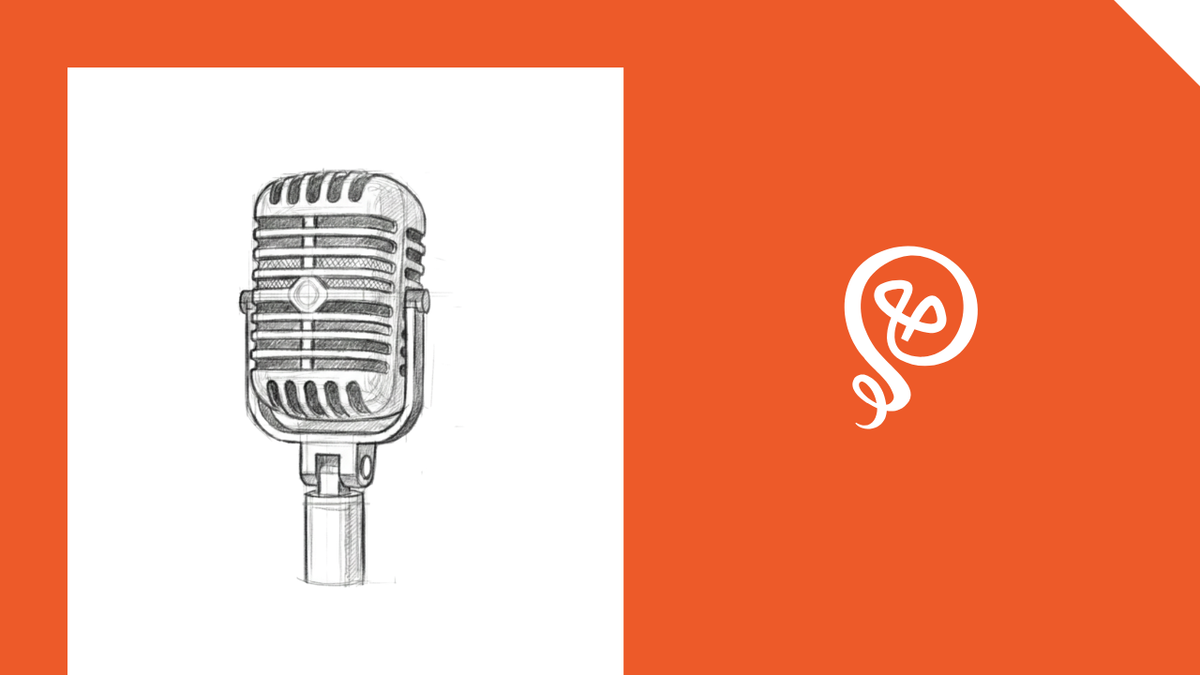
You had a great content idea while driving. By the time you sat down at your desk, it was gone. You tried to recreate it, but the second version was nowhere near as good as the first.
If you're like me, this has happened more times than you'd like to admit. The ideas aren't the problem, but capturing them in the moment is.
Voice capture has gotten dramatically better in the past couple of years. The accuracy is finally good enough to replace typing for most idea capture. And when you connect voice tools to automation, you can actually get the ideas out of the app - rather than just having a collection of voice memos you never take action on.
Here's the thing: you need the right voice tool for the type of idea you're trying to capture. I use three different approaches: quick capture for raw ideas, medium capture for context-rich thoughts, and full dictation for drafts — and it's completely changed how I create content.
What are voice tools (and why content creators should care)
Voice tools are apps and features that let you capture thoughts by speaking instead of typing. Think voice assistants, transcription apps, and dictation software.
Transcription plus AI cleanup features means your dictated ideas are actually usable (instead of a garbled mess you have to decode later).
For solopreneurs, the use case is simple. You can capture ideas on-the-go. I've dictated entire blog posts while sitting in the school parking lot, waiting to pick up my kid. The idea comes to me, I can get the audio and a transcript, which makes it easy to work with later.
3 levels of voice capture (and the right tool for each)
Of course, you don't need a sophisticated dictation tool if you’re only looking to use dictation to add items to your to-do list. I think of voice capture in three levels.
Level 1: Quick capture for raw ideas
This is a topic or idea that's barely formed — just a few words. Maybe you heard something on a podcast, or a blog post angle popped into your head while walking the dog.
I use Siri for this. A quick voice command sends the idea to Zapier. Zapier routes it to Trello (my project management tool). The whole thing takes about ten seconds.
The goal here is speed, not detail. A few words, not sentences. Future-you just needs enough to remember what past-you was thinking.
Level 2: Medium capture for ideas with context
This is the in-between: an idea that needs more than a few words but isn't ready for a full draft. Maybe you're planning the rest of your afternoon, or you've got a half-formed article angle that needs bullet points and direction.
I use an app called Cleft for this. I'll open the app and start talking through the idea. I'll give it context, a few supporting points, and maybe a direction I want to take it. The app captures the audio, provides a summary, and gives me something I can actually understand when I come back to it later.
I add a Tag to the Cleft note, and then Zapier picks it up and routes the summary and transcript to one of my Trello boards.
The thing to keep in mind is that context matters. A five-word note (level 1) might mean nothing to you a week later. A two-minute voice capture with context? That's something you can work with.
Level 3: Full dictation for drafts
This is the process for dictating an entire blog post or long-form piece while walking or driving. It sounds ambitious, but it works.
I use Cleft for this also, but my process is different. I usually write a scant outline into a notebook and then follow the outline while I dictate. If I didn't do this, my draft would need far too much editing.
I use AI by Zapier to clean up the transcript by removing time stamps and filter words. It also cleans up section headers and formatting. The output goes to Notion, which is where I do my drafting. From there, it’s just polishing.
I do this because dictating is often much faster than typing. It also lets me take advantage of moments when I'm not at my desk, but still want to get some work done.
Voice tools toolkit ⚙️
The approach is best-tool-for-the-job, not all-in-one. Each tool does one thing well and connects to the rest through automation.
- Siri (or your phone's voice assistant): Quick to-do and raw idea capture. Free, built into your phone, and connected to automation through Zapier.
- Cleft: Medium-length voice capture with summaries. Good for ideas that need more context than a few words.
- Zapier: The automation layer that routes voice captures to the right destination, whether that's Trello, Todoist, Notion, or somewhere else.
- Notion, Google Docs, whatever: Where dictated drafts land for polishing and editing.
How to evaluate a voice tool for your workflow
Before adding any new tool, I ask myself two questions.
Does this solve a specific pain point, or is it just adding another app to my stack? There's a difference between a tool that fills a gap and a shiny object. If you're looking at a voice tool, the evaluation period matters. You've got to give it a real trial, not just five minutes and one sample.
Does this save me time? If the answer is yes, it's worth paying for. If not, think about whether it benefits you in another way or just replaces something you already have.
For example, I used to use Siri to add to-do items to Todoist. But then Todoist added a feature called Ramble, making it much easier for me to dictate a list of items I needed to work on. I changed my process because of this. No reason to use a more complicated process when I could not get the result I was looking for in-app.
Voice capture can help you reclaim your time
The ideas are already there. The problem is losing them between the moment they form and the moment you sit down at your desk.
A voice capture system doesn't have to be complicated. Start with one level — quick capture through your phone's voice assistant — and build from there. Try dictating your next idea instead of typing it. You might be surprised how much faster it is.
Learn the best apps and tools solopreneurs use to take their businesses — and productivity — to the next level.
FAQs
What are voice tools for content creators?
Voice tools are apps that let you capture thoughts by speaking instead of typing. For content creators, they're useful for capturing ideas on the go — while driving, walking, or multitasking — so nothing gets lost before you sit down to work.
Can you write a blog post by dictating it?
Yes. Dictating a full blog post takes about 15 minutes for what would normally take an hour of typing. The transcript needs cleanup and editing, but it gives you a real draft to work with instead of starting from a blank page.
What is the best app for capturing ideas on the go?
It depends on how formed the idea is. For quick, raw ideas (a few words), a phone voice assistant like Siri works well. For ideas that need context, a voice capture app like Cleft is better.
How do you organize voice notes so they don't pile up?
Use automation like Zapier to route voice captures to the right destination automatically. Quick ideas can go straight to a project management tool, while full transcriptions go to a writing app. The key is connecting your voice tool to your existing workflow so nothing sits in a separate inbox.
Is voice dictation accurate enough for content creation?
Voice-to-text accuracy has improved significantly in recent years. Most transcription tools now produce usable text that needs light editing rather than full rewriting. AI-powered cleanup can remove filler words, timestamps, and formatting issues automatically.